
Webhooks are event-based notifications that are received when a specific event related to the account aggregator occurs.Documentation Index
Fetch the complete documentation index at: https://telr-docs.cashfree.com/llms.txt
Use this file to discover all available pages before exploring further.
Add Webhooks
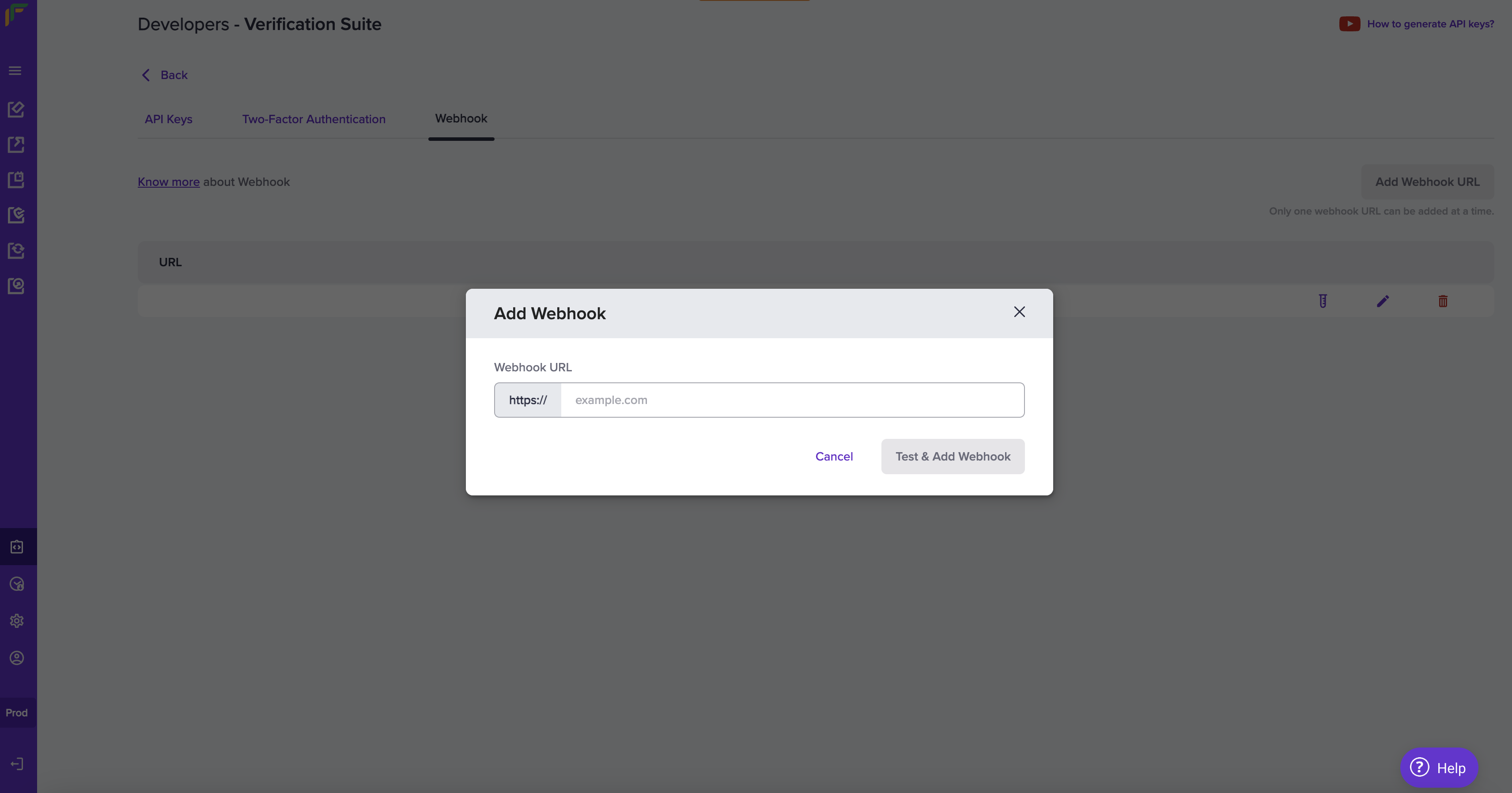
Add your webhook URL in our system for us to deliver webhook events. Follow the instructions below to configure the webhook URL. Ensure to provide the publicly accessible HTTPS URL to your webhook endpoint.- Once you login to the dashboard with the credentials, click Developers.
- Click Webhooks listed under the Verification Suite card.
- Click Add Webhook URL in the Developers - Verification Suite screen.
- In the Add Webhook popup, fill in the following information:
- Webhook URL - Enter the URL in this field.
- Click Test & Add Webhook.
Consent Webhook Event
| Event | Description |
|---|---|
| AA_CONSENT_VERIFICATION_SUCCESS | Consent is approved. |
| AA_CONSENT_VERIFICATION_PAUSED | Consent is paused. |
| AA_CONSENT_VERIFICATION_REVOKED | Consent is revoked. |
| AA_CONSENT_VERIFICATION_REJECTED | Consent is rejected. |
| AA_CONSENT_VERIFICATION_EXPIRED | Consent has expired. |
FI Webhook Event
| Event | Description |
|---|---|
| AA_FI_VERIFICATION_SUCCESS | Financial information verification is successful. |
| AA_FI_VERIFICATION_ACTIVE | Financial information consent is active. |
| AA_FI_VERIFICATION_FAILED | Financial information verification has failed. |
| AA_FI_VERIFICATION_EXPIRED | Financial information verification has expired. |
Note: Verifying the signature is mandatory before processing any response. Refer to Signature Verification for more details.
