Configure amount limits
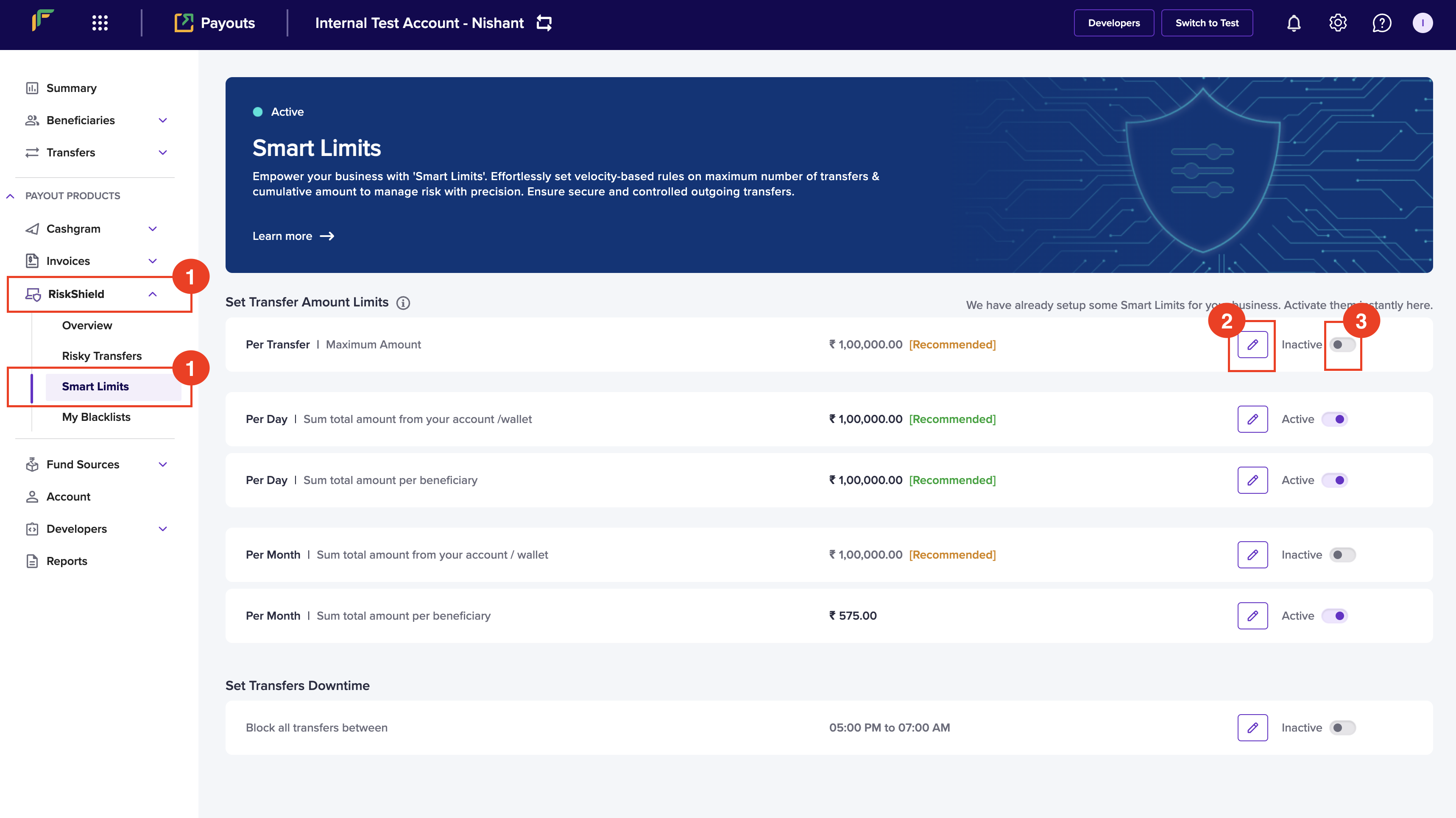
Follow the instructions below to configure transfer amount:- Once you login to your Payouts dashboard using the credentials, navigate to Payout Protect > Smart Limits.
- Click the Edit icon to configure the following information:
- Per Transfer - Enter the maximum amount that is allowed per transaction.
- Per Day - Enter the allowed total sum of money for transfers from your account/wallet within a day. The day begins at 00:00:00 and ends at 23:59:59 hours.
- Per Day - Enter the allowed total sum of money for transfers within a day for a beneficiary. The day begins at 00:00:00 and ends at 23:59:59 hours.
- Per Month - Enter the allowed total sum of money for transfers from your account/wallet within a month.
- Per Month - Enter the allowed total sum of money for transfers for a beneficiary within a month.
- Switch the toggle to activate or deactivate the smart limit.
Configure downtime
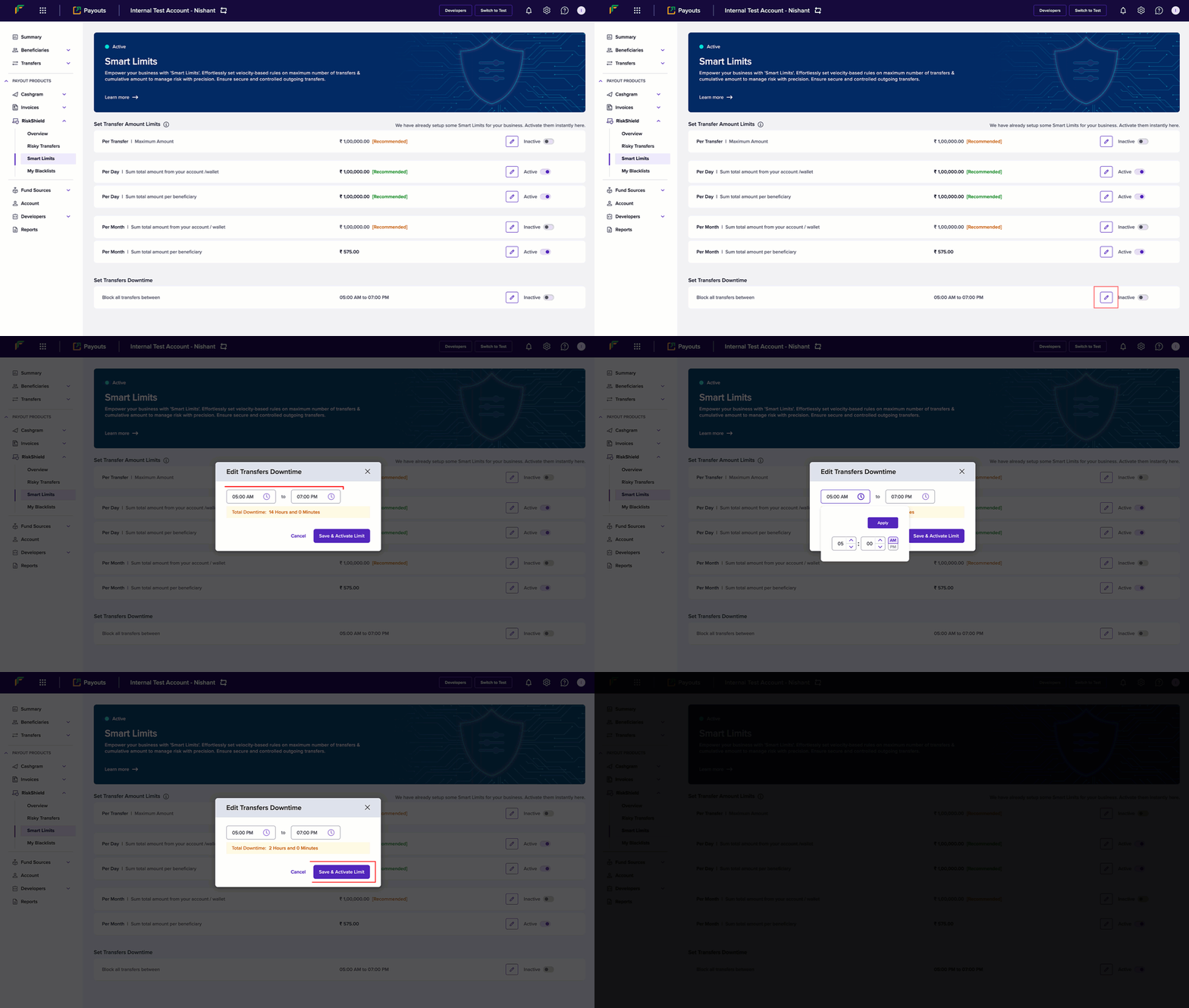
You can configure a specific time when you don’t want to allow any payouts. Follow the instructions below to schedule a time that blocks transfers:- Once you login to your Payouts dashboard using the credentials, navigate to Payout Protect > Smart Limits > Set Transfers Downtime.
- Click the Edit button.
- Configure the start and end time in the Edit Transfers Downtime popup.
- Click Save & Activate Limit.